Video Evidence and Metadata: What Survives a Courtroom Upload

Imagine you are sitting in a courtroom. The prosecutor plays a video clip from a smartphone to prove what happened at a crime scene. It looks clear. It sounds convincing. But then the defense attorney asks one simple question: "How do we know this file hasn't been altered since it left that phone?" Suddenly, the focus shifts from the pixels on the screen to the invisible data hidden inside the file.
This is the reality of modern litigation. Digital video evidence is any moving-image file offered to prove facts in a legal proceeding, where its integrity is just as important as its content. Under rules like Federal Rule of Evidence 901 (FRE 901) in the United States, you cannot just play a video; you must authenticate it. You have to prove it is exactly what it claims to be. This means proving the device ID, the time of capture, and the location match the witness's testimony, and showing that no one tampered with the file between recording and trial.
The central challenge today is the "courtroom upload." Courts across the U.S., from Indiana to New Jersey to California, have moved to digital evidence portals. These systems allow attorneys to upload exhibits directly to the cloud for judges and juries to view. But here is the catch: when you upload a file to a portal, does the critical metadata survive? Or does the system overwrite, strip, or obscure the very details needed to authenticate the evidence?
The Four Layers of Video Metadata
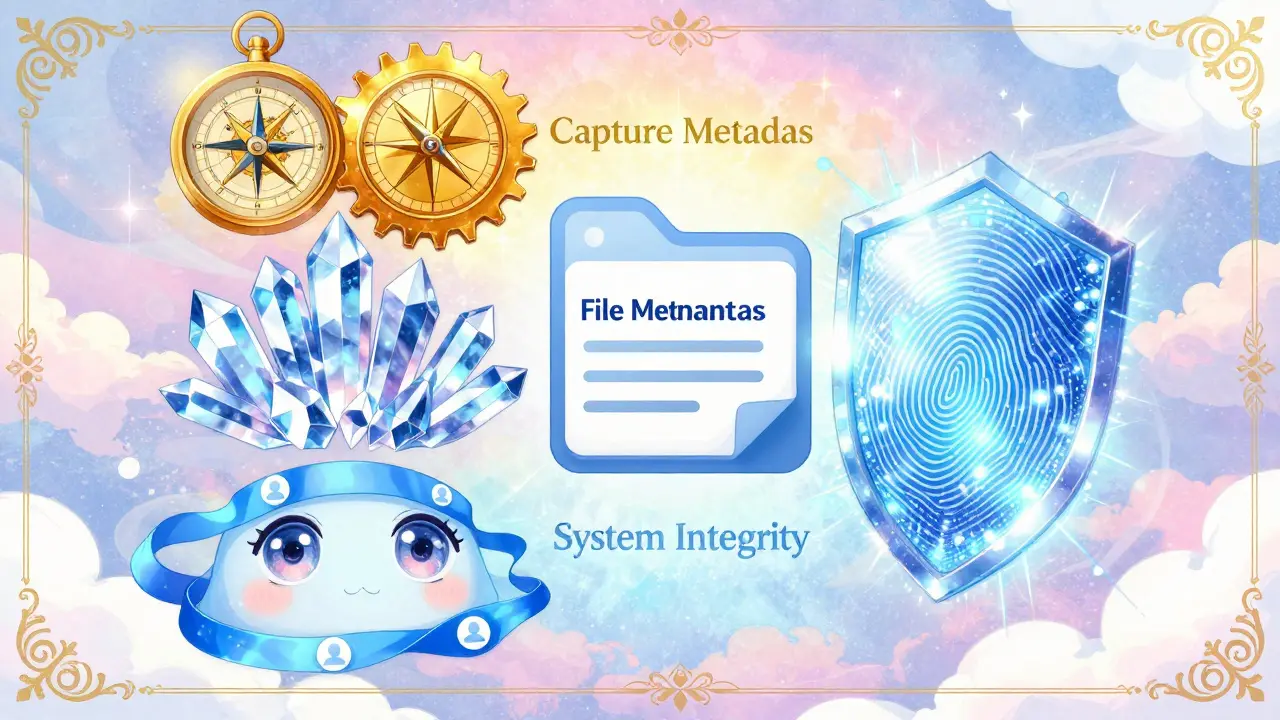
To understand what survives an upload, you first need to know what is actually inside a video file. A video is not just moving pictures; it is a container packed with data. Experts categorize this data into four distinct layers, each serving a different purpose in court.
- Capture Metadata: This is the most vital layer for authentication. It includes the recording device identifier (like a specific iPhone model or body-worn camera serial number), firmware version, exact start and stop times, and GPS coordinates. If a witness says they filmed a hit-and-run at 4th and Main at 5:00 PM, the capture metadata must show the phone was at those coordinates at that time.
- File Metadata: This describes the technical structure of the file. It includes the container format (MP4, MOV), the codec used (H.264, HEVC), frame rate (e.g., 29.97 fps), resolution (1920x1080), and file size. Changes here can signal editing. For example, if the frame rate changes midway through a clip, it suggests splicing.
- System Metadata: This is generated by the computer or server handling the file. It includes timestamps for when the file was created, modified, or last accessed on a specific operating system. When a file enters a court portal, new system metadata is added, such as who uploaded it and when.
- Hash/Integrity Metadata: This is the cryptographic fingerprint of the file. Using algorithms like SHA-256, a unique string of characters is generated based on every byte of the file. If even one pixel changes, the hash changes completely. This is the gold standard for proving a file has not been altered.
The goal of any digital evidence workflow is to ensure all four layers travel together from the source device to the courtroom display without corruption.
What Happens During a Courtroom Upload?
Let's look at how major digital evidence portals handle these files. Systems like the Indiana Supreme Court’s Digital Evidence Portal (powered by Thomson Reuters Case Center) and the New Jersey Courts Electronic Evidence Submission tool are designed for efficiency and accessibility. They offer 24/7 upload capabilities and cloud storage.
However, convenience often conflicts with preservation. Here is what typically happens when you upload a video to these platforms:
- Original File Preservation: Most reputable portals store the original uploaded file intact. If the portal adheres to best practices, the capture metadata (GPS, device ID) and file metadata (codec, resolution) remain embedded in the stored file, even if the web interface doesn't display them to the user.
- New System Metadata Generation: The moment you click "upload," the portal creates a new layer of system metadata. It logs your user account, IP address, the exact timestamp of ingestion, and assigns an exhibit number. This becomes part of the chain of custody.
- Transcoding Risks: Some portals automatically transcode videos to ensure they play smoothly on all devices. Transcoding re-encodes the video stream. This process can strip original metadata, alter file sizes, and change hash values. If a portal transcodes your evidence without preserving the original master copy, you may lose the ability to authenticate the footage under FRE 901.
- Download Capabilities: Portals like the Orange County Superior Court Electronic Evidence Portal allow users to download exhibits as ZIP files. This is crucial. If you can download the original binary file, the metadata likely survived. If you can only stream a processed version, the original integrity may be compromised.
The key takeaway is that while the *visual* content usually survives, the *provenance* data depends entirely on whether the portal treats the file as a static exhibit or processes it dynamically.
The Hash Value: Your Best Friend in Court
If there is one thing that survives every transfer, upload, and download cycle-if done correctly-it is the hash value. The National Institute of Standards and Technology (NIST) recommends using the SHA-256 algorithm for digital evidence verification.
Here is how it works in practice:
- Compute at Capture: As soon as the video is collected (by police, an investigator, or a party), a SHA-256 hash is calculated. This creates a unique fingerprint, e.g.,
a1b2c3d4.... - Log the Hash: This value is recorded in the chain-of-custody document immediately.
- Verify at Ingestion: When the file is uploaded to the court portal, the system should automatically compute the hash again and compare it to the logged value. If they match, the file is identical to the original.
- Reverify at Trial: Before playing the video in court, the hash is checked one last time to ensure no tampering occurred during storage or transmission.
Without this hash verification, you are relying solely on human testimony to say "this is the same file." With a hash, you have mathematical proof. Courts increasingly expect this forensic-grade capture. Missing or broken hash chains are a major vulnerability that opposing counsel will exploit.
Best Practices for Preserving Metadata
As a litigant, attorney, or citizen journalist submitting video evidence, you cannot control how the court portal stores the file. But you can control how you prepare it. Follow these steps to maximize what survives the upload:
- Create a Master Copy: Never work on the original file. Keep the untouched "master" in a secure, offline repository. Use copies for uploading to portals or for redaction.
- Compute Hashes Early: Calculate the SHA-256 hash of the original file before doing anything else. Include this hash in your affidavits or certifications filed with the court.
- Check Device Settings: Ensure the recording device has accurate time, date, and location settings. If the phone's clock is wrong, the capture metadata will be misleading. No amount of post-processing can fix a bad timestamp.
- Avoid Unnecessary Editing: Do not trim, compress, or convert the file unless absolutely necessary. Each edit creates a new derivative file with new metadata and a new hash. If you must edit, keep the original and clearly document the edits.
- Use Immutable Storage: Where possible, use Write Once Read Many (WORM) storage for your local backups. This prevents accidental or malicious alteration of the file after creation.
For individuals who need to clean up personal video files before sharing them publicly-perhaps to remove sensitive GPS data or device IDs while keeping the visual content intact-tools exist that operate locally. For example, Vaulternal's Metadata Remover allows users to strip specific metadata atoms from MP4 and MOV files entirely within their browser. Because the processing happens client-side via WebAssembly, the video file never leaves the device, ensuring privacy and preventing any server-side alteration of the file's integrity. This approach mirrors the legal principle of maintaining control over the original asset.

The Deepfake Challenge
The stakes for metadata preservation have skyrocketed due to the rise of deepfakes and AI-generated video. In the past, a shaky camcorder video might be admitted based on a witness saying, "I saw this happen." Today, opposing counsel can argue that any digital video could be synthetic.
To counter deepfake objections, courts are looking beyond simple playback. They are examining:
- Provenance Data: Does the metadata trace back to a known, trusted device?
- Encoding Anomalies: Are there inconsistencies in the compression artifacts that suggest AI generation?
- Chain of Custody: Is there an unbroken audit trail from capture to presentation?
If a courtroom upload process strips the capture metadata or fails to log the upload event properly, it creates gaps in this narrative. Those gaps give skeptics room to doubt the evidence. Therefore, the survival of metadata is not just a technical detail; it is the foundation of credibility in the age of AI.
Conclusion: Control What You Can
You cannot force a court portal to preserve every bit of metadata. However, you can ensure that the evidence you submit is robustly authenticated from the start. By computing hashes at capture, preserving master copies, and understanding the difference between capture, file, system, and integrity metadata, you build a defensible case.
When you upload that video to the courtroom portal, remember: the file itself is just data. The story it tells-and the truth it proves-depends on the invisible metadata that travels with it. Make sure it survives the journey.
Does uploading a video to a court portal delete its metadata?
Not necessarily, but it depends on the portal. Reputable systems store the original file intact, preserving capture and file metadata. However, some portals may transcode videos for streaming, which can strip or alter metadata. Always verify if the portal allows downloading the original file to check for metadata survival.
Why is the SHA-256 hash important for video evidence?
The SHA-256 hash acts as a unique digital fingerprint for the file. If even one byte of the video changes, the hash changes completely. By comparing the hash at capture, upload, and trial, you can mathematically prove the file has not been altered, satisfying authentication requirements under FRE 901.
What is the difference between capture metadata and system metadata?
Capture metadata is embedded by the recording device at the time of filming (e.g., GPS, device ID, recording time). System metadata is generated by computers or servers handling the file later (e.g., upload timestamp, user account, storage location). Both are important for establishing provenance and chain of custody.
Can I remove metadata from a video without losing quality?
Yes, if you use a lossless method. Tools that rewrite the video container (like MP4 or MOV) without re-encoding the video stream can strip metadata while keeping the visual and audio content byte-for-byte identical. Avoid tools that re-compress the video, as this degrades quality and alters the file's hash.
How do deepfakes affect the importance of video metadata?
Deepfakes make it harder to trust digital video visually. As a result, courts rely more heavily on metadata and chain-of-custody records to prove authenticity. If metadata is missing or inconsistent, it raises doubts about whether the video is genuine or AI-generated, potentially leading to exclusion or reduced weight in court.